Rate cards
Rate cards map tasks to prices. Assign one to a customer to set what they pay per confirmed outcome.
What is a rate card?
A rate card is a named pricing table. Each entry maps one task to a price_per_unit. When an outcome for that task confirms, the billed amount is price_per_unit × unit.
Rate cards are separate from tasks. This means you can charge different customers different prices for the same task. Create one rate card per pricing tier.
The key
Every rate card has a key. It is a lowercase slug unique within your account:
standard
enterprise-2024
agency_tier
Keys must start with a letter or digit. They may contain lowercase letters, digits, hyphens, and underscores.
Entries
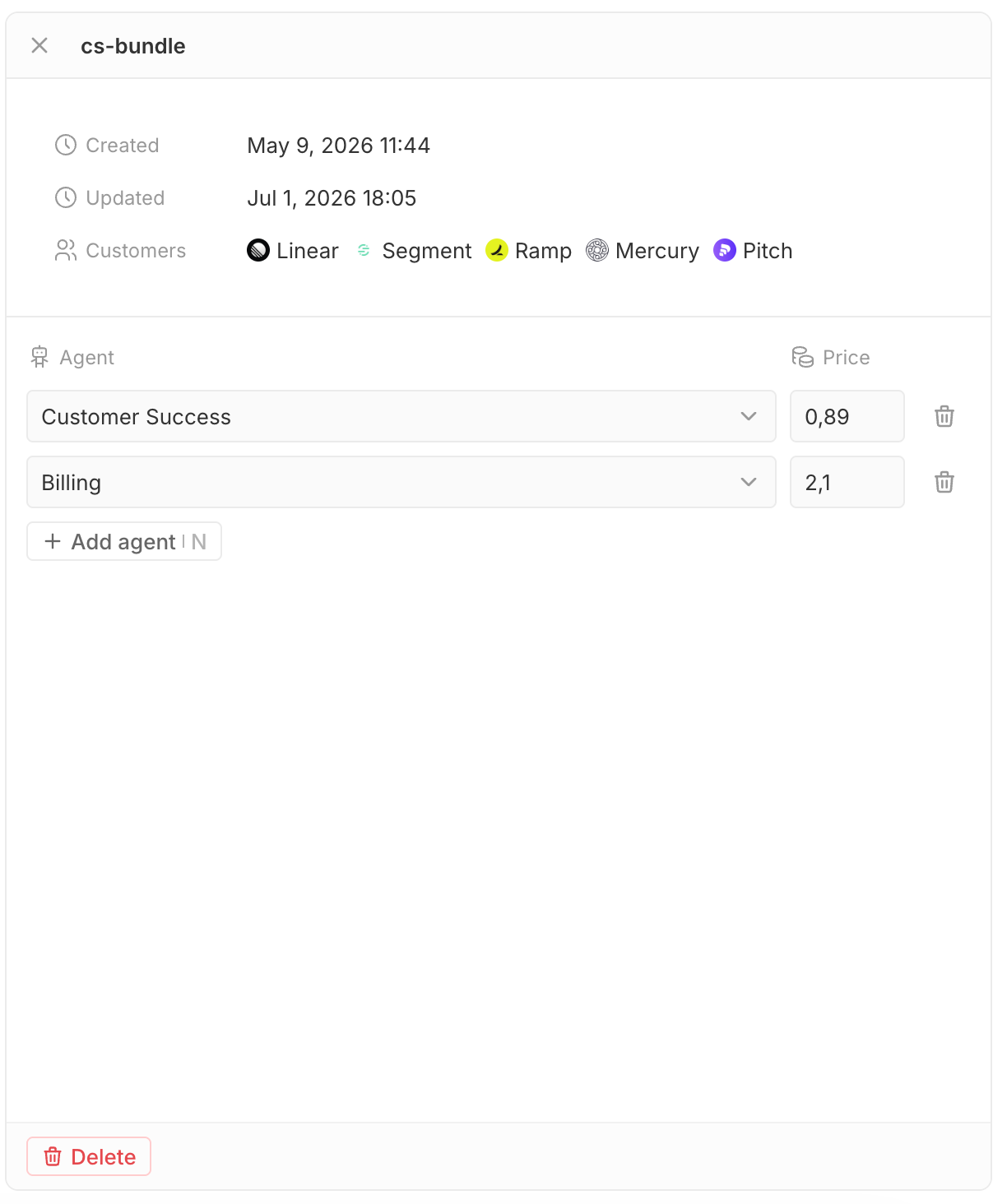
A rate card holds zero or more entries. Each entry maps one task to one price. You set entries from the rate card editor in the dashboard.
Each task may appear at most once per rate card.
Assigning to a customer
A customer can have one rate card at a time. When you open an outcome, witn reads the customer's rate card and records the price for that task.
Changing a rate card after outcomes have been opened does not change the price on those outcomes. Each outcome records its price when it is created. Only new outcomes use the updated price.
Updating entries
Open the rate card in the dashboard and edit its entries. Removing an entry deletes it from the rate card.
Archiving
Deleting a rate card archives it. Archived rate cards are hidden from the default list but remain accessible by ID. Customers assigned to an archived rate card keep the assignment. Historical outcomes are not affected.